Here is the Tutorial Link - https://youtu.be/YkZb0SPvTEg
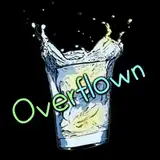
In this video, I'm going to show you guys, How to Place a Video inside the text (This effect is also called Video overlay effect) by using Davinci Resolve 16. Follow this tutorial and create your own text animation in a few minutes and you can also Download the Project file (Given Below) and customize it by your self according to you.
Thanks & Regards
Vikash K. (Founder and Developer at skylinemotions.com)