Tutorial Link - https://youtu.be/21ZDiB7Qstg
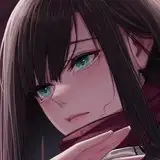
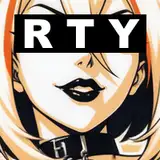
Create an awesome-looking text animation by using masking and a few other tools in DaVinci Resolve. It is very simple and easy to create. I'm gonna share the motion graphics idea or technique to create text behind the object, which can be used in cinematic videos.
Follow the step-by-step tutorial and download the complete project file below!
▪️ Font - Century Gothic Pro
▪️ Image - https://pexels.com
Thanks & Regards
Vikash Kumar (Founder and Creator at skylinemotions.com)