1. Two Materials per Object.
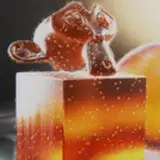
Use Blend->A/B to specify which material is assigned to which stroke.
In this way, you can create some embedded and blended materials effects.
2. Color Override
You can define one override color for each material.
Therefore, you don't need to select all the strokes and then modify the stroke color.
And this way is faster, since it doesn't require recomputing the entire shape.
3. More Background Control
You can choose among Constant Color/Transparent Color/Sky Color for the background.
With Transparent Color, you can composite the rendered image with other images.
ephtracy
2022-12-12 02:46:56 +0000 UTCBenjamin Lemoine
2022-12-10 10:39:15 +0000 UTC