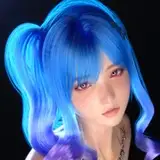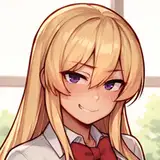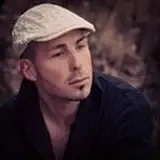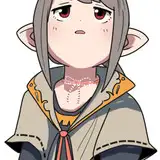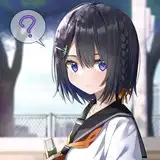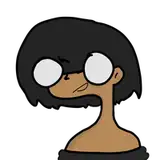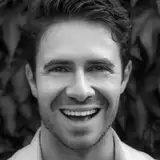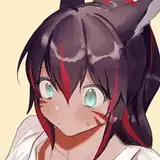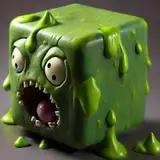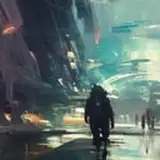
Render with Stable Diffusion in Blender. This add-on renders an AI generated image based on a text prompt and your scene.
Create incredible AI generated images with Stable Diffusion easily, without running any code on your own computer!
AI Render works on Windows, Mac and Linux!
Setup takes under a minute! No complicated code to run or install, and no google collab to muddle through. You will create a free account at DreamStudio (from the makers of Stable Diffusion), and everything will render in the cloud in seconds.
Optionally, if you don't want to create an account anywhere, you can install Stable Diffusion locally.
AI Render supports running Stable Diffusion locally with the Automatic1111 Stable Diffusion Web UI. See the local installation instructions.
You can render animations with AI Render, with all of Blender's animation tools, as well the ability to animate Stable Diffusion settings and even prompt text!
You can also use animation for batch processing - for example, to try many different settings or prompts.
See the Animation Instructions and Tips.
See the github wiki for help with prompt engineering and ideas, and for Frequently Asked Questions.
Feel free to request new features or enhancements.
Please share images you make! Tweet them at @ai_render or tag @airenderblender on Instagram. On both platforms, use hashtags #airender #aiart #stableDiffusion.
If you have ideas for prompts that could become preset styles, or if you have any other feedback, email airenderblender@gmail.com. Thank you for being part of the community!