Tutorial | Character Creation [basic]
Added 2019-08-13 08:01:01 +0000 UTC
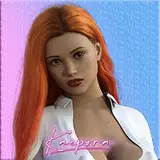
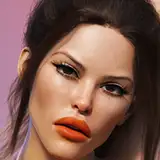
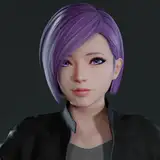
In this tutorial I wanted to show how I get rid of doll eyes of the default Honey Select characters and how a change in skin and some slight face modifications can make a character that feels a little more like it's seeing you and is alive.
The tutorial will cover the following subjects, in the same order.
- Apply a better skin and the colours to apply to that skin
- How to update the eyes so make them more realistic by shrinking pupils
- How to create a better pupil / iris so it shines better
- How to apply a default expression by adjusting eyebrows
- How to give the side profile of the face a better profile as the default faces are all flat
To rotate the camera like I do, press the Reset button then use your number pad numbers 4 and 6 to rotate.
- How to add a better shine to the hair using a shine colour, rather than white
- Updating the nipple colour to go with the skin (as I forgot to do this at the start - oops!)
- How my SkinTextMod texture for Wet Skin and Face Makeup can be applied to the character and the difference it makes. You can get these skins from my downloadable pack which is in the first tutorial for preparation.
Good luck!
Access all tutorials and find this tutorial in the 2019 Tutorial Vault
![Tutorial | Character Creation [basic]](https://img10.creatorsok.com/storage/9/kf/sr/7047b2-019e8e0c-b4f8-7ffd-8928-338f73fffbdb.png)