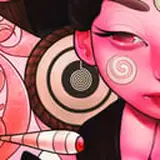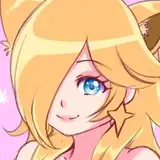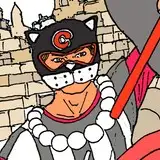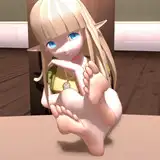
Happy Holiday all You Prissy Flouncy Pink & Bouncy Patrons. :D:D:D
I hope you've all been having a Wonderfully Enjoyable and Laid Back Relaxing Holiday Period. :):):)
To all of you wondering about that ever important Question... 'Mass Effect' and have I started it yet?!? The Answer is NO (Too much work to do), but maybe over new years for a day or two. ^^
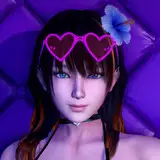
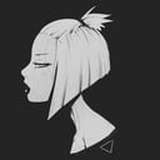
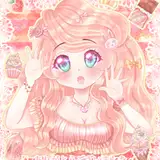
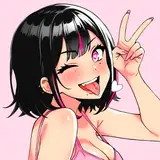
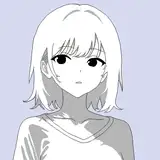
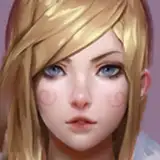
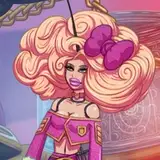
I was initially going to do the 'Contest Pin-Up Image First', but I came across a new colouring technique I wanted to try (and as You can all see, Thumbnail 3 was the image which won the contest vote). This image is a slightly simpler layered image than the Contest Image will be.
The Blocks of Colour Tones are a bit too strong and so I will be blending them down and using the new type of brush technique I've been trying out to help blend all the colours together. :):):)
I also turned the characters head slightly to hopefully help add a tiny bit more depth to the characters overall appearance by the end. ^^
At the moment I am trying to decide just what types of accessories and clothing to use, I was going to turn this character into 'Trixie from Amsterdamned Nites', but decided against it and I really loved the idea of a Pink Textured Biker Jacket, but it just doesn't seem to look right, So its back to the actual Drawing Board. ;o)
Pink & Fluffiness
K@t
K@T
2016-12-30 17:21:22 +0000 UTCSissyDee
2016-12-30 16:01:28 +0000 UTC